
A VPN service
in one tap
PandaVPN encrypts your connection and routes it through our servers in different countries. The servers are built into the app — no sign-up, keys or setup.
- 30 days free
- No sign-up
- No ads
- iPhone, iPad and Android
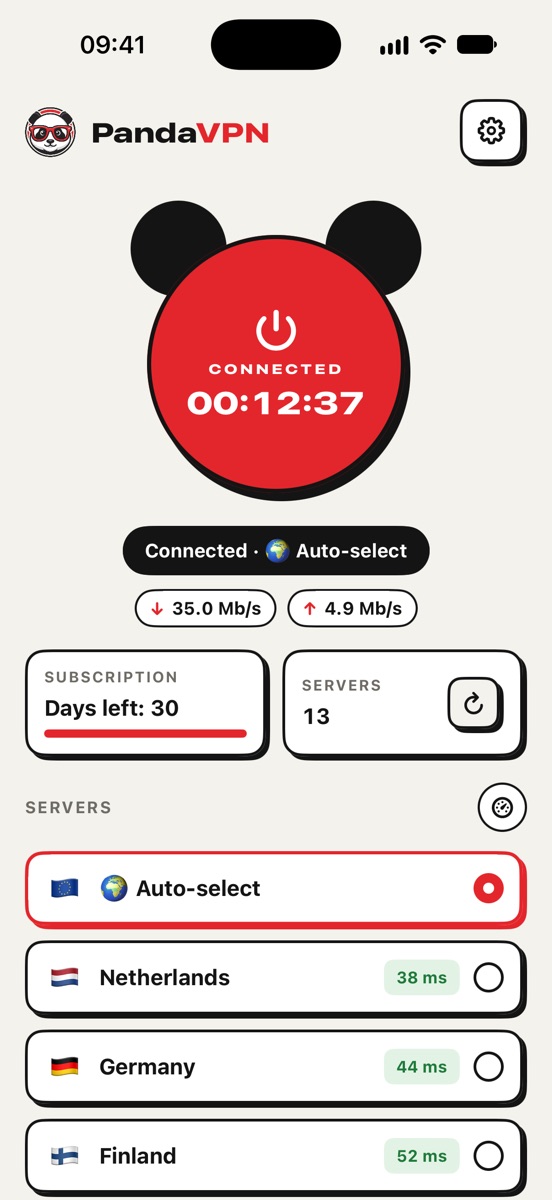
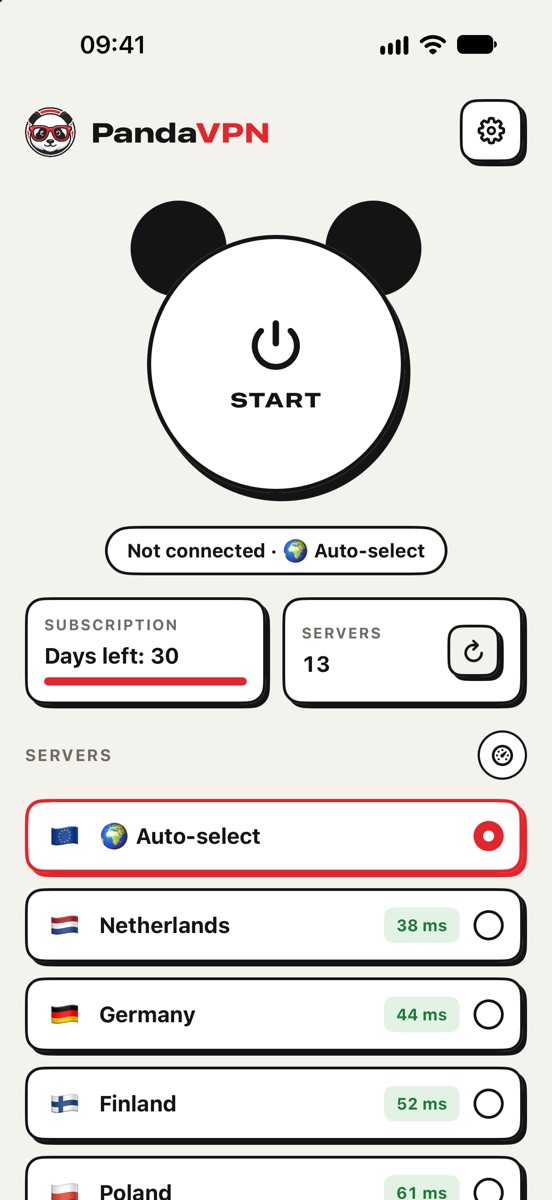
Everything you need — nothing you don’t
One button
Tap Start and your connection is encrypted. Disconnecting is one tap too.
Servers in different countries
Pick a country from the list or leave auto-select on and the app connects you to a suitable server.
Latency for every server
The app shows the latency to each server so you can see which one is faster.
Custom rules
List the sites that should open directly, outside the VPN — your bank, for example.
Protection on public Wi‑Fi
In a café, airport or hotel, your traffic travels through an encrypted tunnel.
No logs, no ads
We do not log the sites you visit, your traffic or your DNS queries. There are no ads in the app.
A service, not a client
for someone else’s keys
We run and maintain the PandaVPN servers ourselves, and the app receives the server list automatically. There are no keys, links or configurations to find or paste: install the app and connect.
Three steps to a secure connection
Install PandaVPN
From the App Store on iPhone and iPad or from Google Play on Android. No sign-up needed.
Tap Start
The first time, the system asks you to allow the VPN configuration — confirm it.
Done
Your connection is encrypted. Change the country in the server list or leave auto-select on.
30 days free
The first 30 days need no sign-up or payment. After that, connecting requires a PandaVPN Premium subscription. The longer the term, the less each month costs.
The app shows prices in your currency before you buy. Payment is handled by Apple. The subscription renews automatically unless it is cancelled at least 24 hours before the end of the current period; manage it in your App Store settings.
Frequently asked questions
What is PandaVPN?
PandaVPN is a VPN service. The app encrypts your connection and routes it through our own servers, which helps keep your data private on public Wi‑Fi and other untrusted networks. Servers are built in: there is nothing to configure.
How do I connect?
Tap the round Start button on the home screen. The first time, the system asks for permission to add a VPN configuration. You can pick a country in the list or leave auto-select on.
How much does it cost?
On iPhone and iPad the first 30 days are free. After that you need a subscription for 1, 3, 6 or 12 months; prices are shown in Settings → Subscription before you buy.
Do you keep logs?
No. We do not log the sites you visit, the contents of your traffic or your DNS queries, and we do not sell data. Details are in the privacy policy.
Which devices does PandaVPN support?
iPhone and iPad with iOS 16 or later, and Android — the app is on Google Play.
Why does the VPN not connect?
Check that the internet works and that you allowed the VPN configuration. Then refresh the server list, choose another country or switch to auto-select. If that does not help, contact support.